Graphics, Animation & VFX Course in Indore

Learn motion graphics, character design, rigging, lighting and visual effects, including Houdini FX and roto in Silhouette, at Krishna Institute of Design (KID), Indore.

12Learning areas in three groups
  • Foundations3 areas
  • 3D and animation5 areas
  • Rendering and visual effects4 areas

Graphics, Animation & VFX at Krishna Institute of Design

The Graphics, Animation & VFX course at Krishna Institute of Design (KID) teaches the skills behind moving images: designing characters, animating them, adding effects and finishing shots for the screen. For students looking for a graphics animation VFX course in Indore, it brings these connected skills together in one course of study.

Animation, motion graphics and visual effects are part of almost every kind of screen content today — films and series, advertisements, games, explainer videos and social media. Each needs people who understand the creative side (drawing, composition, storytelling) as well as the technical side (3D workflows, lighting, rendering and simulation).

How the course builds

From how images work to advanced effects

  1. How images workCinematography, photography, perspective and character design
  2. Motion graphics and the CG pipelineTexturing, rigging, lighting and animation
  3. Rendering and post processingFinal frames, then the finishing touches
  4. Advanced visual effects3D FX and simulations, procedural FX and advanced roto
Tools in the curriculumHoudiniSilhouette

What You Will Learn

Foundations

Cinematography & Photography Basics

Framing, camera angles, light and composition. Understanding how a real camera works makes animated and CG shots feel natural.

Character design sketches by an animation student

Perspective & Character Design

Drawing in perspective to build believable space, and designing characters with clear shapes, personality and appeal.

Motion Graphics

Animating text, graphics and design elements for titles, advertisements, explainers and social media.

3D and animation

Understanding CG Pipeline

How a computer-generated shot moves through stages, from building a model to the final output, and how each stage hands work on to the next.

Textures and Details

Adding the surface colour and detail that make a 3D model read as wood, metal, fabric or skin.

3D character rig with joint controls ready for animation

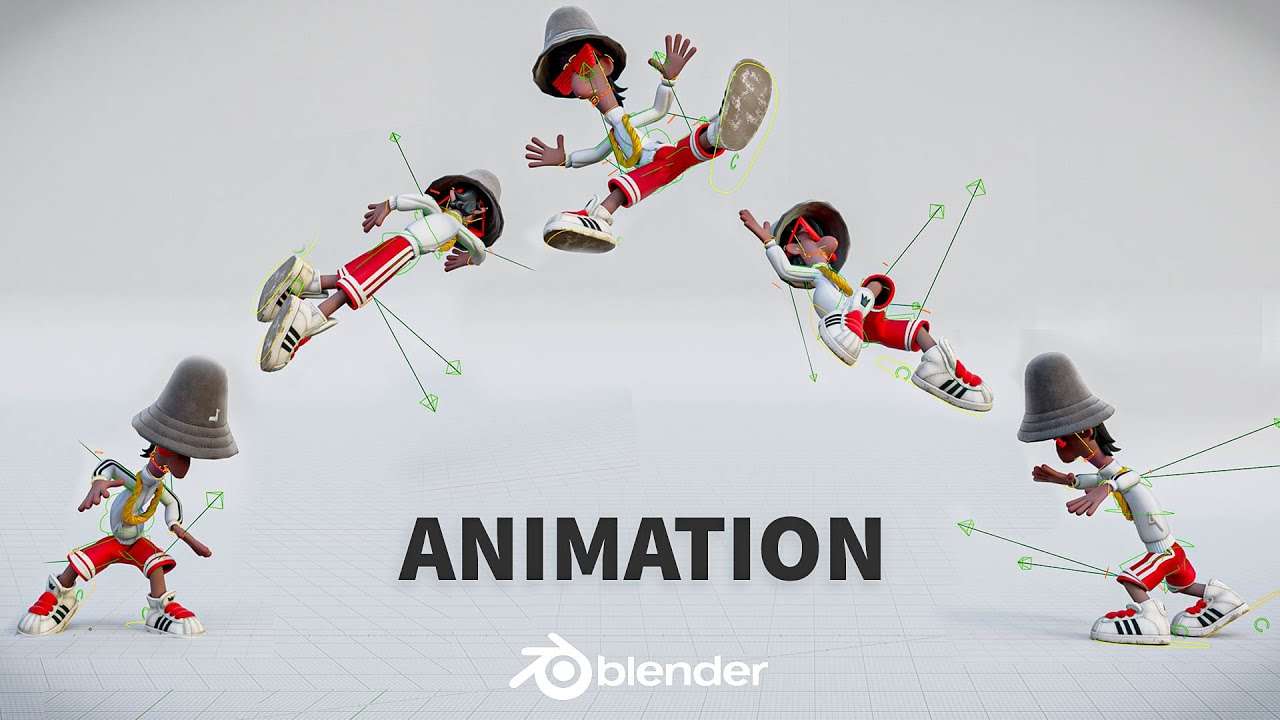
Bringing Characters to Life with Rigging

Building the internal skeleton and controls that let an animator pose and move a character.

Rendered CG scene with dramatic lighting

Lighting Techniques

Using CG light to set mood, guide the viewer's eye and make a scene believable.

Animation

Timing, spacing and weight: the principles that give characters and objects convincing movement.

Rendering and visual effects

Rendering and Post Processing

Turning a scene into final frames, then refining colour and finish in post processing.

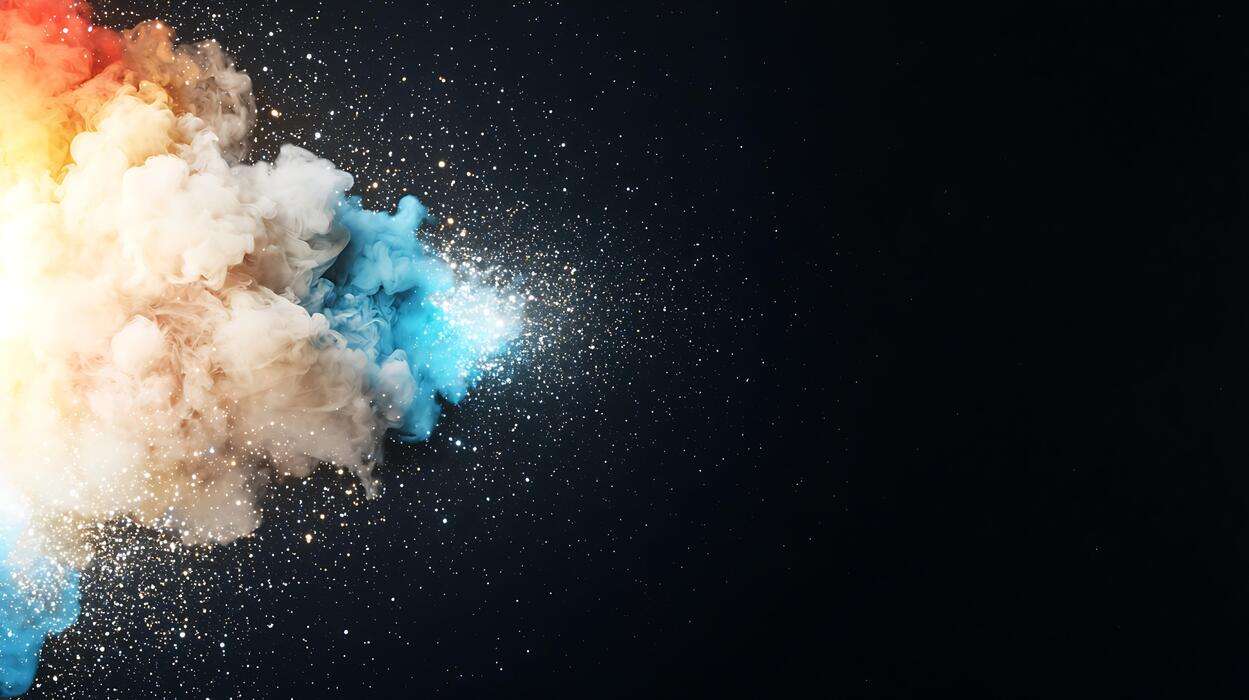
3D FX, Dynamics and Simulations

Effects such as smoke, fire, water and debris, driven by simulations of physical behaviour.

Smoke simulation created in Houdini

Procedural FX with Houdini

Houdini's node-based, procedural approach to effects, so they can be adjusted and reused instead of animated by hand.

Roto shapes isolating an actor in a live-action frame

Advanced Roto with Silhouette

Isolating people and objects in live footage frame by frame in Silhouette, so CG and effects can be placed into the shot.

Graphics, Animation & VFX Gallery

A look at graphics and design, animation and visual effects at KID.

Graphics and design
Character design sketches by an animation student
Motion graphics design frames created by a student
Perspective and composition study by an animation student

Animation

Animation student working on a 3D character at Krishna Institute of Design, Indore
3D character rig with joint controls ready for animation
Animation students working at computers in a KID classroom

Visual effects

Rendered CG scene with dramatic lighting
Smoke simulation created in Houdini
Roto shapes isolating an actor in a live-action frame

Course Information

ProgrammeDuration
B.Design in Animation4 Years
Advance Diploma in Animation2 Years
Diploma in Animation1 Year
3D Animation (Maya / Blender)9–10 Months
Motion Graphics (Video Editing)3 Months

Programmes differ in length and depth. Contact KID for current admission details, fees and batch dates.

Frequently Asked Questions

What is a Graphics, Animation and VFX course?

It is a course in how moving images are designed and produced: graphics and motion graphics, character design, animation, 3D work and visual effects.

What will I learn in a Graphics, Animation and VFX course?

At KID, learning areas include cinematography and photography basics, perspective and character design, motion graphics, the CG pipeline, textures and details, rigging, lighting techniques, animation, rendering and post processing, 3D FX and simulations, procedural FX with Houdini and advanced roto with Silhouette.

Is there an Animation and VFX course in Indore at Krishna Institute of Design?

Yes. KID offers animation & VFX training in Indore through its Graphics, Animation & VFX course, with programmes of different lengths listed in the course table on this page.

What career options are available after studying Animation and VFX?

Possible directions include animator, motion graphics designer, VFX artist, 3D artist, character artist, compositor, lighting artist and roto artist. Outcomes depend on your skills, portfolio and specialisation, and are not guaranteed.

What skills are important for a career in animation and VFX?

An eye for drawing, composition and colour, patience with detail, comfort with computers and an interest in storytelling. Technical skills such as 3D, lighting and effects are developed during the course.

Is Graphics and Animation suitable for beginners?

The course starts with foundations such as cinematography, photography basics and perspective before moving to advanced work. Please contact KID to confirm the eligibility requirements for the programme you are interested in.

How can I enquire about the Graphics, Animation & VFX course at KID?

Use the Admission button on this page, message KID on WhatsApp, call +91 91112 22251 or email info@kidindore.com.

Where is Krishna Institute of Design located?

KID is at 6A, AB Rd, Behind Dainik Bhaskar Building, Press Complex, Indore, Madhya Pradesh 452001.

Visit Us

Krishna Institute of Design (KID)
6A, AB Rd, Behind Dainik Bhaskar Building,
Press Complex, Indore,
Madhya Pradesh 452001

Let's Talk
+91 91112 22251

Have questions about our courses?

Email Us
info@kidindore.com

We would love to hear from you.

Follow Us

Stay connected with KID

Admission